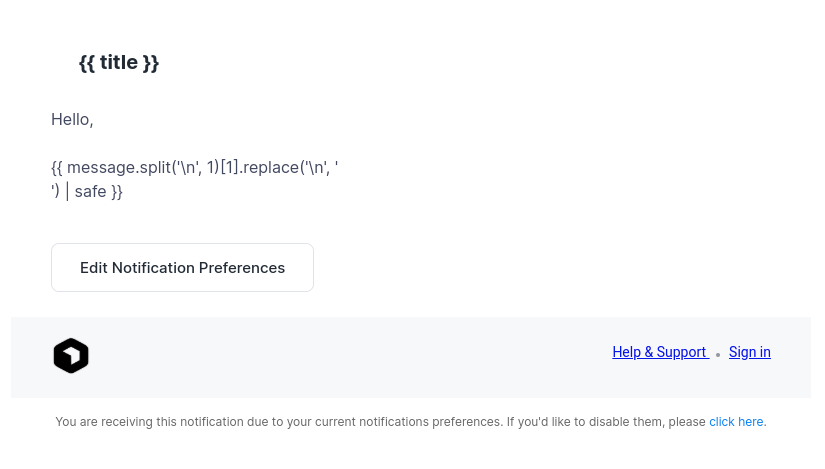
To modify the email template used for user notifications:
Copy the default template
cp /usr/local/admin/templates/system/user_notification_email.html /root/user_notification_email.html
Edit your copy
nano /root/user_notification_email.html
Making the changes persistent:
By default, OpenPanel updates will overwrite system templates. To keep your custom template, create a post-update hook that restores your version after every update.
Create the hook file
nano /root/openpanel_run_after_update
Add the following script
#!/bin/bash
cp /root/user_notification_email.html /usr/local/admin/templates/system/user_notification_email.html
Test it manually
Run the script once to immediately replace the default template with your custom one:
bash /root/openpanel_run_after_update
